




Most software budgets are built around seats: a fixed monthly price for each person who uses the tool. A lot of AI doesn’t work like that, and some finance teams are only finding out partway through the year.
Key takeaways
- Budget for AI based on how much it’ll be used. With consumption billing, the cost rises as usage does, so a headcount spreadsheet won’t tell you the whole story.
- Before you switch plans, compare the cost person by person. Microsoft 365 Business Standard with Copilot and Business Premium with Copilot became generally available on 1 July 2026 at £18.10 and £24.60 per user per month, but they’re only cheaper if most of your team will use them.
- Set a spend ceiling and alerts before you switch on any feature that’s billed by usage. You can do this in the Cost Management Dashboard in the Microsoft 365 admin center.
- Split your AI budget in two: a run cost for AI that’s already proved useful, and a capped find cost for trying new ideas. That way, experiments can’t quietly eat the year’s budget.
- Judge success by measuring the work once AI is in use, instead of relying on a business case written before anything went live.
At the first ramsac AI Summit in September 2026, our session on value looked at where the returns from AI actually land. It also tackled a question finance directors keep asking: how do you set the right budget for something billed by usage, when it’s possible to use up a year’s allowance in a single quarter? This article explains how AI billing works, how to choose between the pricing options and how to keep spending under control.
Why AI bills behave differently from software licences
A traditional software licence is a fixed cost per person per month. If you know your headcount, you can forecast it a year ahead and be roughly right.
A lot of AI doesn’t work that way. Some features use consumption billing, where you pay for how much the AI is used, a bit like an electricity bill. The cost follows what people actually do with it, such as how many documents it processes or how many requests it handles. So two organisations with the same number of licences can get very different invoices. A higher bill isn’t necessarily bad news, as it often means people are getting more out of the tools, but it does make spending harder to manage by instinct alone.
In practice, paying for AI is closer to paying for a service than buying software, and that changes the questions you need to ask. Instead of “What does it cost to give everyone access?”, you’re asking what a single piece of work costs, how many of those you expect and what happens if your estimate turns out too high or too low.
Seats, bundles or consumption: the three ways AI is priced
There are three main ways AI is priced at the moment, and most organisations will end up using a mix.
Per-seat bundles are the easiest to forecast. “Per-seat” means a fixed monthly fee for each person, and a bundle means AI comes included in your subscription instead of being sold separately. Microsoft 365 Business Standard with Copilot and Business Premium with Copilot reached general availability on 1 July 2026, at £18.10 and £24.60 per user per month on annual billing, excluding VAT, for organisations of up to 300 users. Bundles make costs predictable, but don’t assume they’re automatically the cheaper option.
Per-user add-ons still make sense if only part of your team needs AI. An add-on is bought separately and given only to the people who’ll use it. If a third of your staff would use AI every week and the rest wouldn’t touch it, buying the add-on just for them on your current plan can cost less than moving everyone onto a bundle. The only way to know is to work out the cost person by person, and to check your renewal date so you don’t end up paying for both during the switch.
Consumption billing is the hardest to forecast, and it’s also where many of the more interesting uses of AI sit. Tools that handle work in volume are usually billed this way. Think of an automated agent that processes hundreds of invoices, compared with an assistant that helps one person draft an email.

Setting a ceiling before you switch anything on
The simplest way to keep AI costs under control is to decide the most you’re willing to spend before anyone starts using it, instead of waiting for a surprise invoice.
Microsoft now has tools to help. The Cost Management Dashboard in the Microsoft 365 admin center lets administrators set budgets, spending policies and alerts for features billed by usage, so an open-ended cost becomes a capped one. The major cloud platforms offer similar controls. Whichever you use, the rule is the same: don’t switch on a usage-billed feature for any team until someone has set the limit and agreed who’ll get the alerts.
Think carefully about who that person is. Alerts sent to a shared IT mailbox tend to get ignored, while alerts sent to the person who owns the budget get read.
Split your AI budget into two lines
The most useful change most finance teams can make is to how the AI budget is set up, by creating two separate lines. The first is the run cost, which covers AI the business has already proved it wants. It should rise and fall with usage, and you should review it every quarter against a few simple measures of the work. The second is the find cost, a capped amount for trying out new ideas, and it’s fine if some of those experiments come to nothing.
Kept apart, both are easy to manage. Lumped into one AI budget, the cost of experiments stays hidden until it’s large, and the tools that are working get cut back to pay for trials nobody signed off.
Knowing whether it’s working
This question came up again and again at the Summit. The honest answer is that you’ll only really see the value once AI is up and running properly. A detailed financial case written before anything is live is mostly guesswork, however confident the numbers look.
A better approach is to take a quick measurement before you start, then measure again after a month or two of real use. How long does the task take now? How much gets done in a day? How much of the AI’s output needs redoing? These numbers won’t look impressive on their own, but they’re far more reliable than a forecast.
It’s also worth reviewing your AI budget every quarter. Usage-based spending grows as more people pick up the tools, and that can happen faster than a yearly plan can keep up with. Checking spend against those same few measures each quarter will quickly show whether you’re paying for something that works.
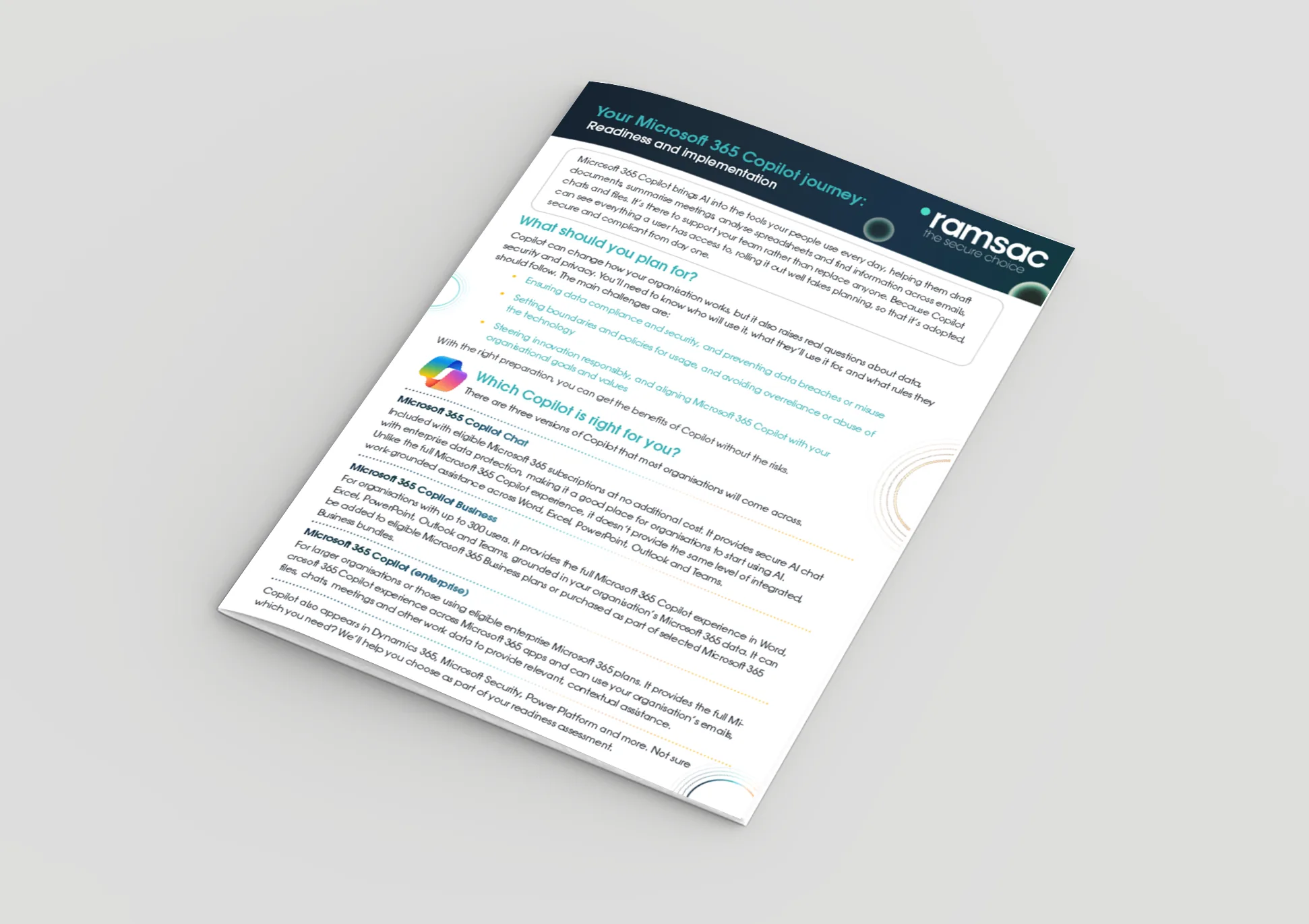
Not sure whether a bundle or an add-on is right for you, or want spending controls in place before you switch anything on? Our Copilot readiness assessment looks at licensing, governance and cost controls together, so you can make the commercial and technical decisions at the same time. It’s part of our wider Microsoft Copilot work and our AI transformation and strategy support.
Ready to get your AI budget right from the start? Book a Copilot readiness assessment with ramsac and we’ll compare the licensing options against your headcount and set up your spend controls before anything goes live.
AI Readiness Assessment
Book your AI Readiness Assessment with ramsac
We’ll help you uncover the most valuable opportunities for AI in your business and provide straightforward guidance on how to implement it safely, effectively and with confidence.

FAQs AI Budgeting
What is consumption-based billing for AI?
It means you pay for how much an AI tool is used, for example per task or request, instead of a fixed monthly fee per person. The more work the AI does, the higher the bill, so costs can change from month to month.
How much do the Microsoft 365 plans with Copilot cost?
Microsoft 365 Business Standard with Copilot costs £18.10 and Business Premium with Copilot costs £24.60 per user per month, on annual billing and excluding VAT, for organisations of up to 300 users. Both became generally available on 1 July 2026.
Should we move to a bundled subscription that includes AI?
Only if most of your team will use it regularly. Work out the cost person by person and compare it with buying a per-user add-on for just the people who need it. Check your renewal date too, so you don’t pay for both during the switch.
How do we stop AI spend running away?
Set a spend ceiling before you switch on anything billed by usage. Use the budget, spending policy and alert controls in your admin console, such as the Cost Management Dashboard in the Microsoft 365 admin center, and send alerts to the person who owns the budget so they don’t get lost in a shared mailbox.
How should we budget for experiments we have not scoped yet?
Keep them in a separate budget line from AI that’s already proved useful. Tools in everyday use have a run cost that grows with usage, while experiments have a find cost that you should cap. If the two are mixed together, a pilot can quietly use up the year’s budget.