




Until recently, everyone at ramsac was asked to change their Microsoft 365 password and Windows Hello PIN every six months. We’ve now switched that off.
It might sound like we’ve loosened our security, but the reverse is true. Forced password expiry is one of those controls that looks reassuring on paper and quietly weakens security in practice. The UK’s National Cyber Security Centre (NCSC), Microsoft and the main international standards bodies have all moved away from it, and we’ve followed the evidence.
We’re sharing our thinking because it’s a question we hear from customers more and more: “Should we still be making people change their passwords?” Here’s how we reached our answer, and what you’d need in place before doing the same.
Why forced password changes backfire
For years, standard advice was to make people change their passwords every 30, 60 or 90 days. The logic was simple: if a password leaked, it would only be useful to an attacker for a limited time.
The trouble is how people actually respond. When you’re made to replace a password you’ve only just memorised, you don’t invent something new and strong. You make the smallest change you can get away with, so Summer2024! becomes Summer2025! and Password1 becomes Password2. PINs follow the same pattern, with 1234 turning into 1235.
Anyone who knows or guesses the old password can usually work out the new one. Expiry ends up adding friction for your own people while giving attackers very little trouble, and it can push staff towards writing passwords down or reusing them elsewhere.
What the guidance says now
We didn’t make this call on instinct. Every major source we checked points the same way.
| Source | Its position on password expiry |
| NCSC | Has advised against forced periodic expiry for several years, because it leads to weak, predictable passwords |
| Microsoft | Its security baseline recommends that passwords never expire, and Microsoft Secure Score can mark forced expiry down as a weaker practice |
| NIST (the US standards body much security guidance is based on) | Removed mandatory periodic expiry from its guidance for the same reason |
| Cyber Essentials | Doesn’t require expiry; it accepts expiry or a robust alternative such as multi-factor authentication |
| ISO 27001 | Requires a documented process for managing passwords, not a fixed rotation schedule; good practice favours long, unique passwords changed when there’s a sign of compromise |
We’re certified to both Cyber Essentials Plus and ISO 27001, so it mattered to us that the change sits comfortably within both.
What replaces expiry
Removing expiry is only safe when stronger controls are already doing the work. At ramsac we rely on two.
Multi-factor authentication (MFA) is enforced across the whole organisation. A stolen password on its own isn’t enough to get into an account, because the attacker would also need the second factor, such as an approval on the user’s phone.

Identity threat detection and response (ITDR) watches sign-ins around the clock for suspicious or risky behaviour, such as a login from an unexpected country or an impossible journey between two locations. In our case that’s our cybersecurity monitoring and response solution secure+ (available in totalIT secure and totalIT premium), the same service we provide to customers.
Together, these mean a compromised password is far more likely to be caught and acted on quickly. Under a six-month expiry policy, the same password might have stayed valid for weeks before anyone was forced to change it.
A note on Windows Hello PINs
A Windows Hello PIN is tied to the single device it was set up on. It can’t be used to sign in anywhere else and it isn’t sent over the network, which makes it lower risk than a password. That’s one reason Microsoft doesn’t recommend expiring PINs either.
How to pick a strong password
Without expiry, a password needs to be strong from the day it’s set. NCSC and Microsoft both recommend the same simple approach.
- Use three random words. Combine them with at least three of the four character types (uppercase, lowercase, numbers and symbols), for example PurpleTractorWindow! or Yellow-Kettle-Orbit.
- Steer clear of anything personal. Pet names, football teams and birthdays are easy to guess from social media.
- Go for length. Three random words are usually far harder to crack than a short password that only looks complex, such as P@ssw0rd1.
- Use each password once. If one site is breached, a reused password opens the door to everything else.
A password manager makes the last point much easier, since nobody can remember a unique password for every service they use.
Should your organisation do the same?
If you’re thinking about removing password expiry, it’s worth checking a few things first. Dropping expiry without the right safeguards would leave you worse off, so make sure you can answer yes to each of these:
- MFA is enforced for every user, including admins and shared accounts
- Sign-ins are actively monitored, so risky or unusual logins are flagged and acted on
- Staff know how to choose a strong, unique password and are encouraged to use a password manager
- Passwords are changed straight away when there’s any sign they’ve been compromised
- Your policy is documented, so it stands up to Cyber Essentials or ISO 27001 assessment
If any of those aren’t in place yet, that’s the place to start, and removing expiry can follow once they are.
Not sure where your organisation stands? Our team can review your Microsoft 365 security settings and talk you through what would work best for you. Get in touch at info@ramsac.com.
Understand your cybersecurity posture
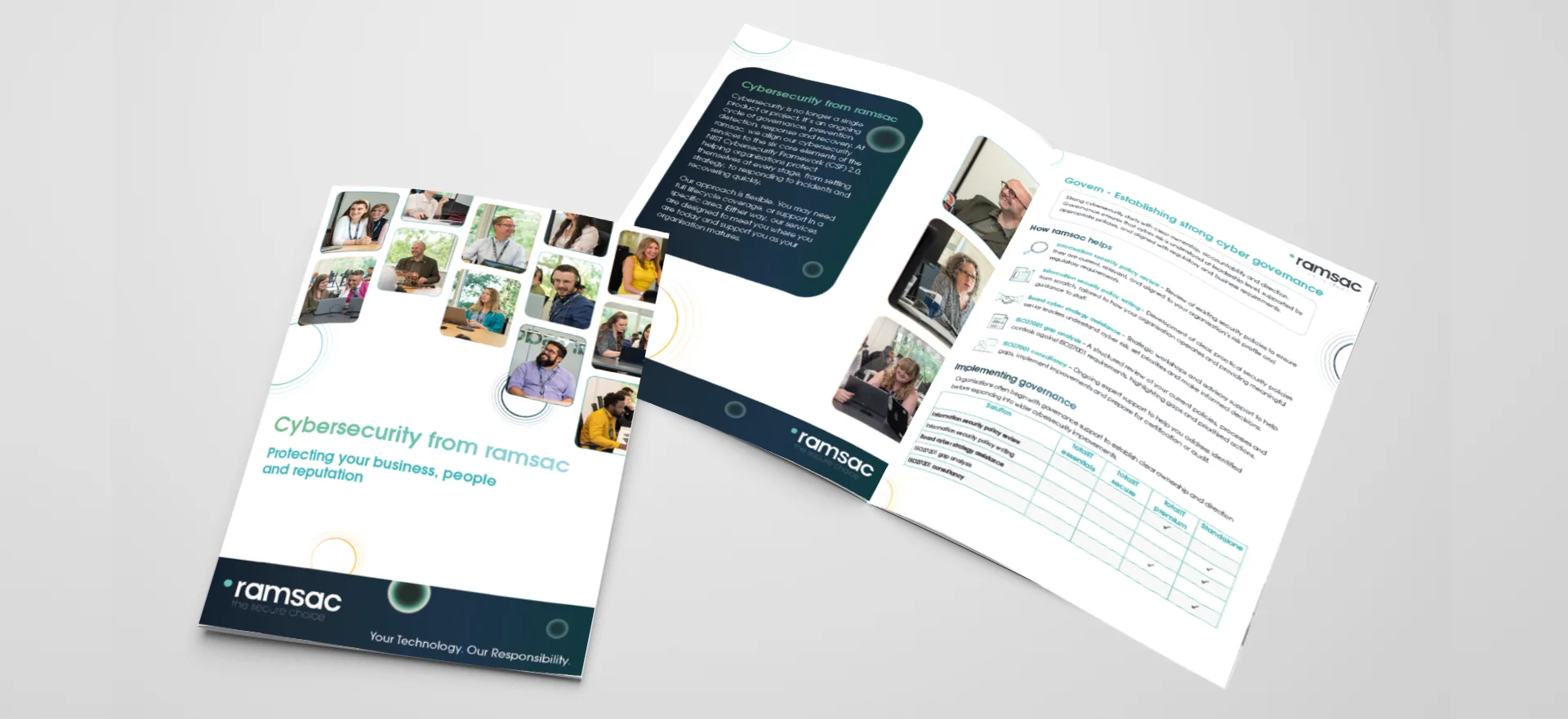
Download our cybersecurity brochure to see how ramsac supports your organisation across the six core elements of cyber resilience: Govern, Identify, Protect, Detect, Respond and Recover. Discover how our services work together to reduce risk, strengthen security and help your business stay resilient.
FAQs: Password expiry
No. The NCSC advises against forcing regular password changes, because people respond with small, predictable tweaks that attackers can easily guess. It recommends changing a password when there’s a sign it may have been compromised.
Yes. Cyber Essentials doesn’t require password expiry, and accepts strong alternatives such as multi-factor authentication.
No. ISO 27001 asks for a documented process for managing passwords and other authentication information, but doesn’t set a fixed expiry period.
Not necessarily. If a current password is short, easy to guess or used on other sites, it’s worth replacing it with three random words. A strong, unique password can stay as it is.
Straight away if there’s any sign it’s been exposed, for example after a data breach, a phishing attempt that may have captured it, or an alert about a risky sign-in.
Microsoft doesn’t recommend it. A Windows Hello PIN only works on the device it was set up on and isn’t sent over the network, so it carries less risk than a password.