



This article has been updated for 2026 to reflect the latest developments in Microsoft Copilot and ChatGPT.
Copilot vs ChatGPT in 2026: what’s changed?
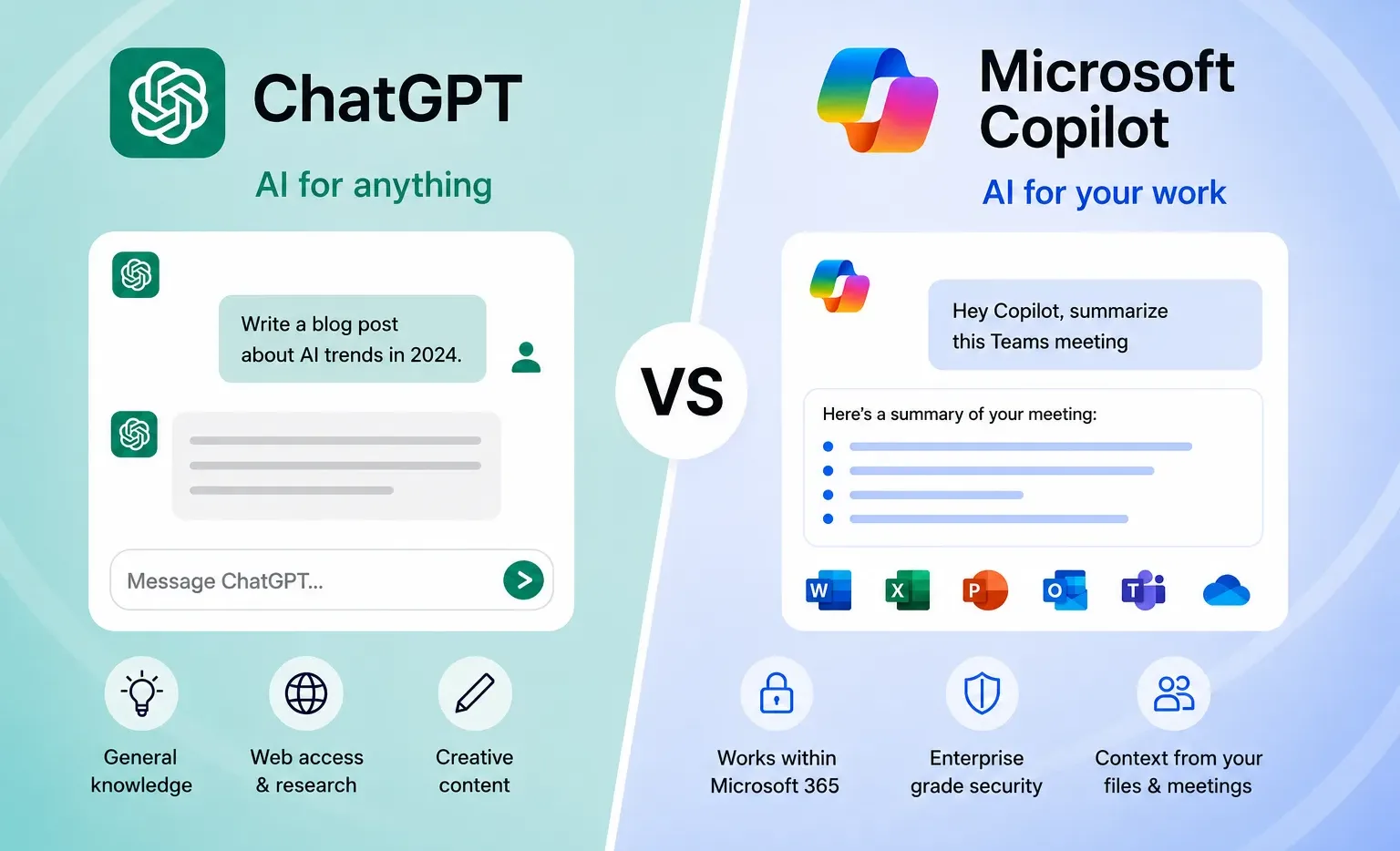
Since this article was first published, both Microsoft Copilot and ChatGPT have evolved rapidly. What started as two fairly similar AI assistants has now become a clearer distinction between workflow-integrated AI and flexible, standalone intelligence.
Copilot: deeply embedded in your Microsoft environment
In 2026, Copilot is no longer just an add-on. It is woven into the fabric of Microsoft 365. From Outlook and Teams to Excel and Word, Copilot now works within the tools your team already uses every day.
That means it excels at:
- Summarising meetings directly inside Teams
- Drafting and editing documents in Word
- Analysing data and generating insights in Excel
- Automating repetitive admin tasks across Microsoft apps
For businesses already invested in Microsoft 365, Copilot has become a natural extension of the workplace. It is less of a tool you open and more of a capability that is always there.
ChatGPT: more powerful, flexible and cross-platform
ChatGPT, on the other hand, has continued to develop as a highly versatile, standalone AI platform. It now offers stronger reasoning, broader integrations, and the ability to support a wide range of tasks beyond a single ecosystem.
It is particularly strong for:
- Research, ideation and problem-solving
- Creating content across multiple formats
- Building workflows or lightweight automations
- Acting as a general-purpose AI assistant across different tools
Because it is not tied to one platform, ChatGPT gives users more flexibility. This makes it ideal for teams working across different systems or needing more advanced, customisable outputs.
The key difference in 2026
The biggest shift is this:
- Copilot = AI built into your workflow
- ChatGPT = AI you bring into any workflow
Neither is “better” in isolation. It depends on how your business operates. Many organisations are now using both side by side, with Copilot supporting day to day productivity inside Microsoft 365 and ChatGPT helping with more complex thinking, creativity, and cross-platform tasks.
What this means for your business
If you are deciding between the two in 2026, the question is less about features and more about fit:
- Already heavily using Microsoft 365? Copilot will feel seamless
- Need flexibility across tools or more advanced prompting? ChatGPT may be the better choice
- Want the best of both? A combined approach is increasingly common
As AI continues to evolve, understanding how these tools complement, rather than compete with each other, is key to getting real value from them.
Original 2025 Blog > When you’re looking for an AI chatbot to use, most people may immediately jump to ChatGPT. However, Microsoft’s Copilot is a fierce competitor to ChatGPT and has a wide range of features that many aren’t aware of. Today, we’re looking at the two options to help you decide which is best for you.
Brief introduction to ChatGPT
ChatGPT was created by OpenAI, a currently not-for-profit organisation, and is one of the better-known AI chatbots and tools out there. Whether for business or for personal use, ChatGPT is accessible and fairly reliable at providing a decent answer to most standard questions.
Brief introduction to Copilot
Copilot is Microsoft’s AI tool and is most commonly known as the chat in Edge, Microsoft’s browser. However, Copilot is way more than just a chatbot and can be integrated with most applications in Microsoft 365, and is now being built into newer PCs to help people work as effectively as possible.
Copilot vs ChatGPT: the tests
We’re comparing factors for users of AI tools to see which is best for them, and hopefully provide you with a better understanding of which AI tools you should be using for what. For the purposes of a fair comparison, we’ll look at how Copilot works as a chatbot under its M365 Chat name, rather than its wider applications.
Please note, results may change over time and can be affected by the prompts used as well as the version of the LLM. These are used as examples to demonstrate the difference in how the two currently respond.
Test one: Simple drawing question
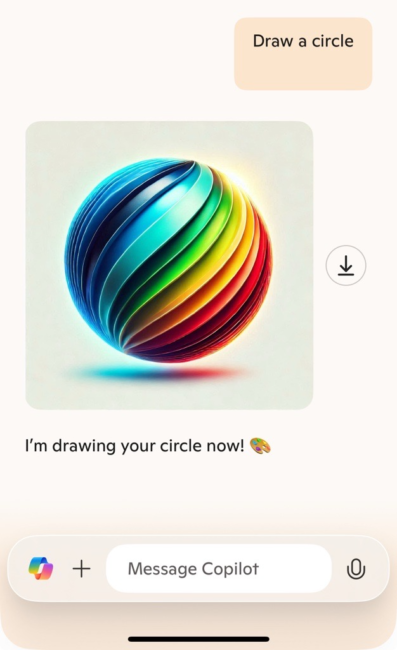
We challenged ChatGPT and Copilot to draw a circle and the results differed quite considerably.
ChatGPT’s result:
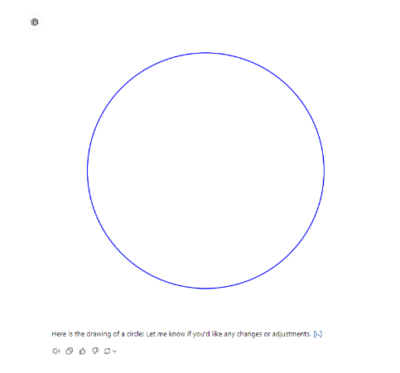
ChatGPT used Python, a common coding language, to create an output of a circle. It labelled the code for us so if we wanted to recreate the output in a different code environment, we could. We were able to save the circle as an image as well.
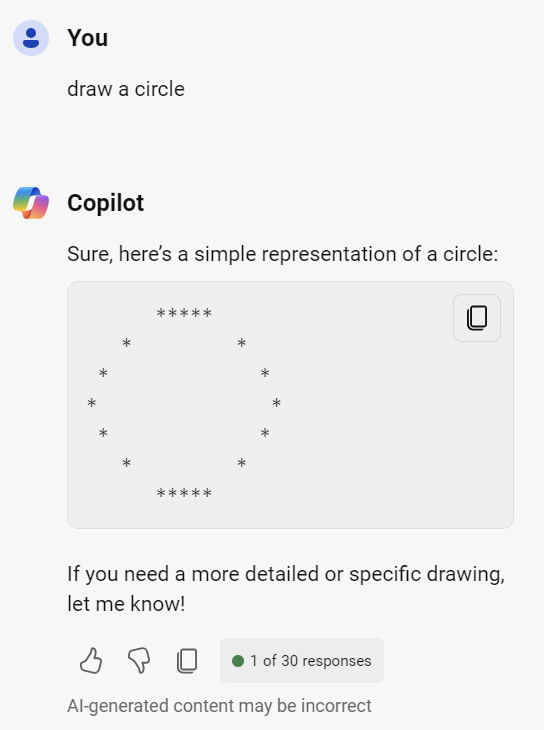
On the other hand, Copilot for work gave us a simplisitic drawing when we asked in Copilot for Work, which does the job but isn’t exactly a perfect circle! Copilot on a personal account gave us a very artistic circle!
Test two: Work queries
As AI can be hugely beneficial to boosting productivity in a work environment, we decided to feed it dud project data to see how well it could craft an accurate project update email from just a spreadsheet. There were 30 rows and 10 columns worth of data, including dates, dependencies and risks, similar to a standard project report you would get from a project management tool.
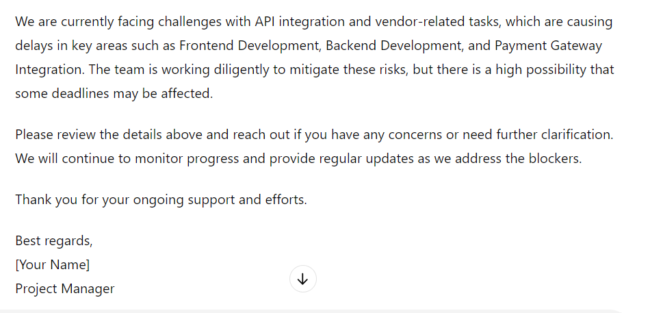
ChatGPT produced a fairly comprehensive email with layout suggestions as well as creating a specific section for key risks and blockers for project completion along with next steps. You can view the response and initial prompt here.
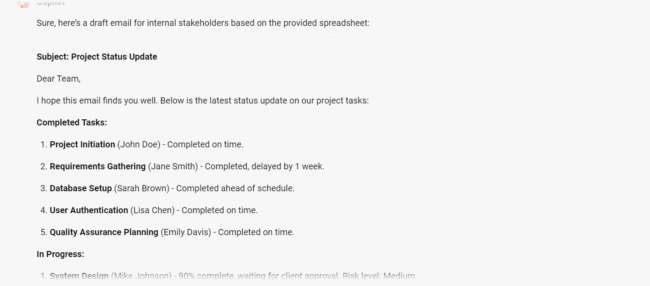
Copilot summarised the tasks nicely for us and gave us a clear email that broke down the latest updates. However, the summaries and standard niceties you’d have to put in a work email weren’t there. Copilot for Work which is built into tools like Outlook would do this, so the Edge chat version we’re testing could be responding with less feature-rich responses to encourage uptake of Copilot for Microsoft and its other paid versions.
Test three: Relevance and freshness of information
As a business based in Guildford, we asked Copilot and ChatGPT for their recommendations for a restaurant that would be good for a business lunch.
ChatGPT gave us six recommendations, which you can see here, with an address for each, the cuisine and why they’d recommended it. It was helpful, but didn’t give us any links or further information as to where we could book.
On the other hand, Copilot gave us a fully sourced answer with results from Trustpilot and the booking platform OpenTable, as well as recommendations based on different types of business lunch.

Summary of the tests
Based on chatbots and the results of these tests alone, ChatGPT seems to come out better here. It provided, for the most part, more feature-rich answers than Copilot. Copilot did do better on sourced answers but there was less detail across the board in most of its answers.
Copilot vs ChatGPT: The product(s)
As we’ve said above, ChatGPT is just an AI chatbot whereas Copilot refers to a wide range of AI-enhanced products from Microsoft.
Copilot’s M365 Chat, which is what we’ve used for the testing, is one of their free products, but there are so many more available.
Copilot, across all variants, includes:
- note taking and meetings summaries
- task management
- generating content
- data analysis, including in PowerBI
- language translation
- image creation
- research assistance
- presentation creation
- meeting preparation
ChatGPT offers a feature-rich chat experience, although its parent company OpenAI is working on a variety of new products, including a text-to-video generator, advanced image generators and sector specific LLMs.
Copilot vs ChatGPT: Pricing
Both Copilot and ChatGPT have free variants that offer limited features and have caps on how much you can use them.
ChatGPT pricing
ChatGPT has three pricing options; Free, Pro and Team. Pro is $20/month and Team starts from $25/month. There are also Enterprise options which are available on custom pricing.
Copilot pricing
Copilot for Microsoft 365 is available as an add-on for clients on Microsoft 365 Business Standard, Business Premium, Office 365 E3/E5 and Microsoft 365 E3/E5 plans. Organisations are able to purchase between one and 299 seats for £24.70 per user per month.
Alternatives to ChatGPT and Copilot
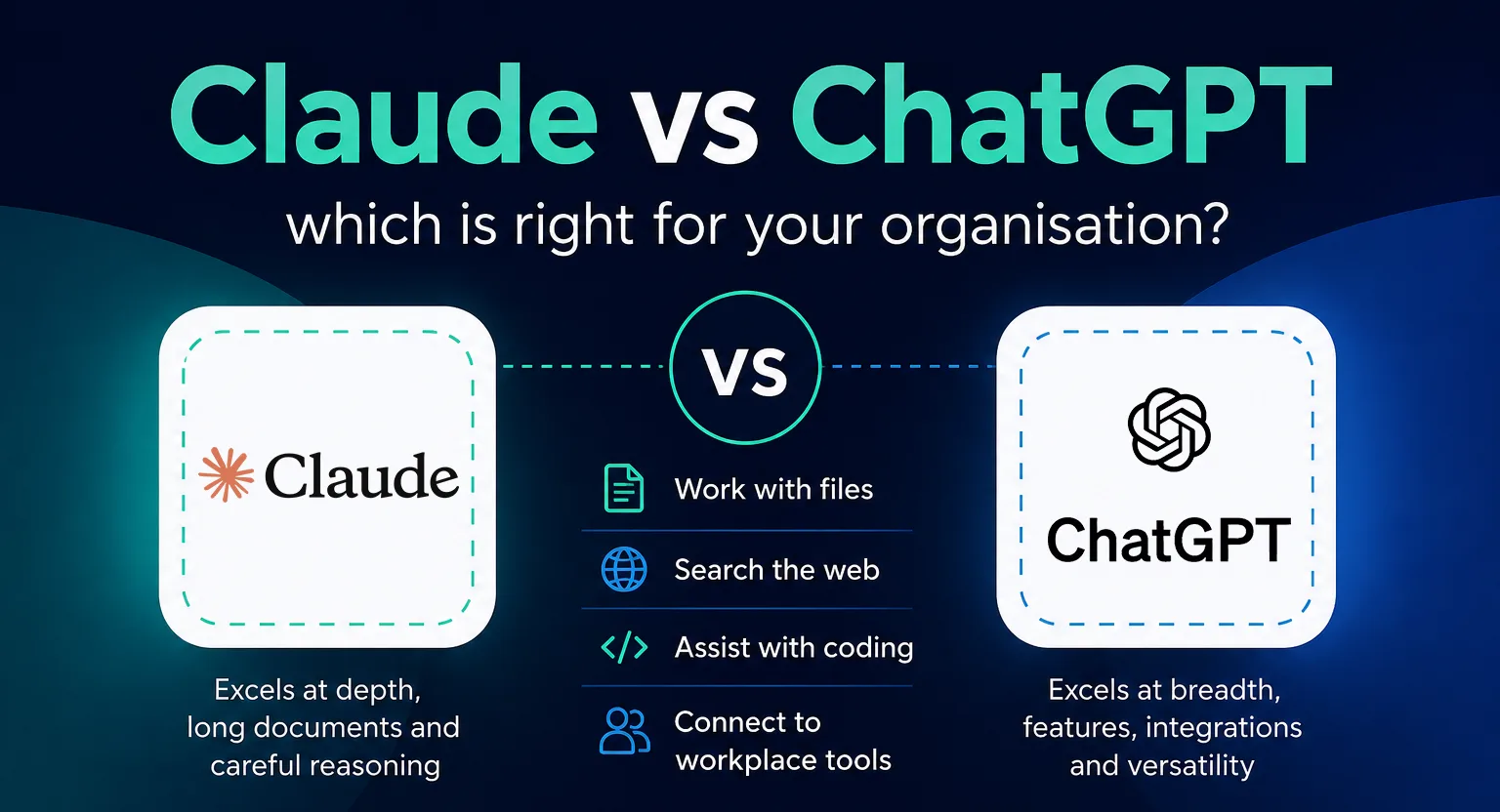
As ChatGPT and Copilot have risen to the top of the pile, there’s a few competitors who are now seeing big investments and the potential to challenge ChatGPT’s market share.
Google’s Gemini
Originally called Bard on launch, Gemini has continuously improved and added in new features. On the 11th December, Google announced they’d released a new version of Gemini called Gemini 2.0, developed for the “agentic era”. Gemini now integrates with Google Workspace and can draft replies to emails, organise meetings and much more.
Anthropic’s Claude
At the end of November 2024, Amazon invested an additional $4 billion into Anthropic, the parent company of chatbot Claude. Claude positions itself as AI for all, a slogan reflected by it’s focus on making accurate responses for whatever you need. It offers an API integration and artefacts, which are longform responses designed to mimic word documents.
Which is right for you; Copilot or ChatGPT?
For business users, the choice between Copilot and ChatGPT largely depends on their specific needs and the existing software ecosystem. Copilot’s tight integration with Microsoft 365 makes it particularly appealing for organisations heavily invested in the Microsoft suite, while ChatGPT’s versatility might be more suitable for those requiring a flexible, all-purpose AI assistant.
However, the decision needs to be made with your business in mind, including what works for you. Our AI consultants can help you to navigate this complex decision.
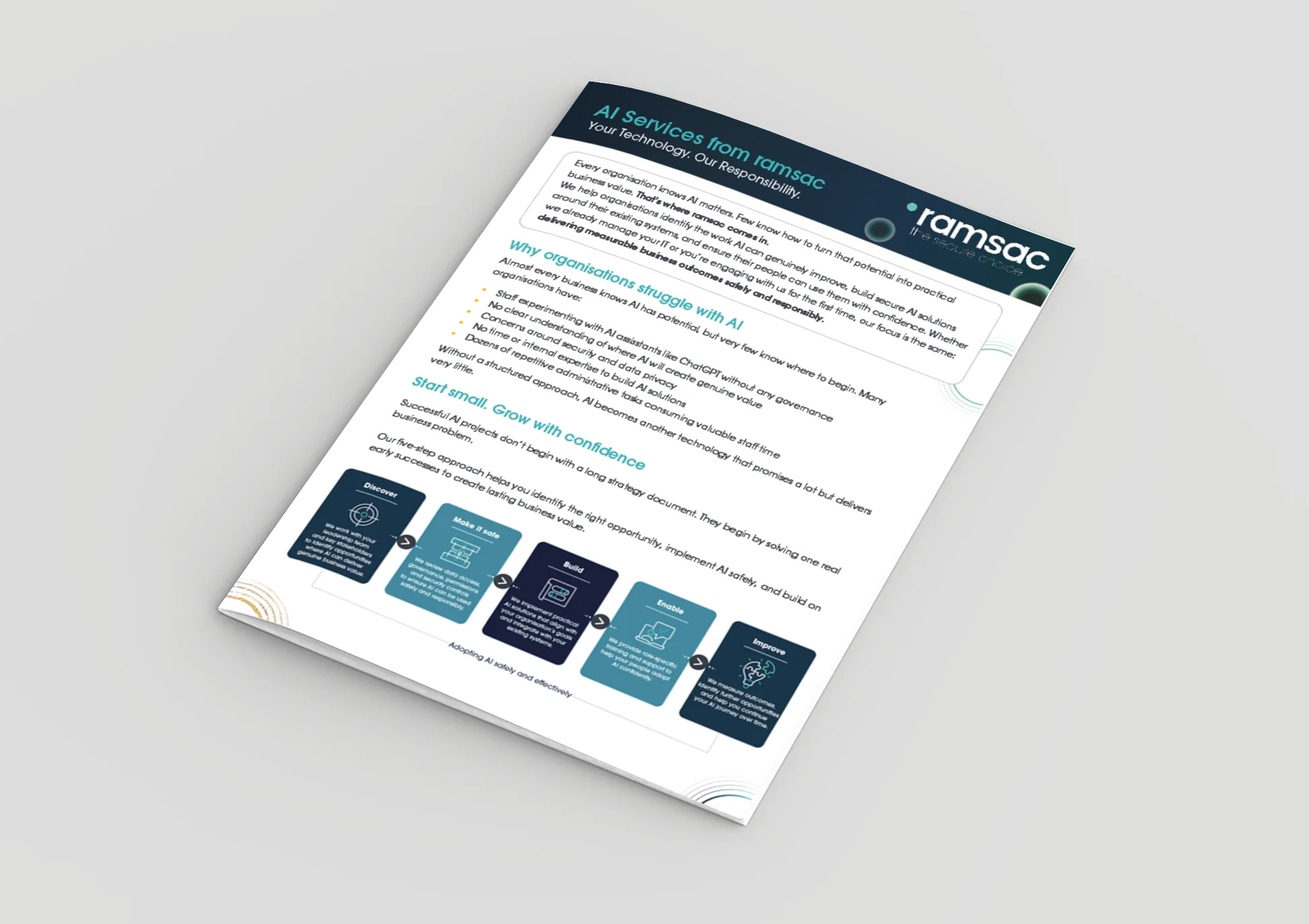
Prepare for AI in your business with our readiness assessment
ramsac’s AI readiness assessment identifies opportunities, ensures data readiness and security, defines a strategy, introduces AI in your organisation, trains staff, and ensures strategic AI evolution. Our readiness assessment is crucial to prevent accidental revelation of personal information and to understand how employees are using AI.
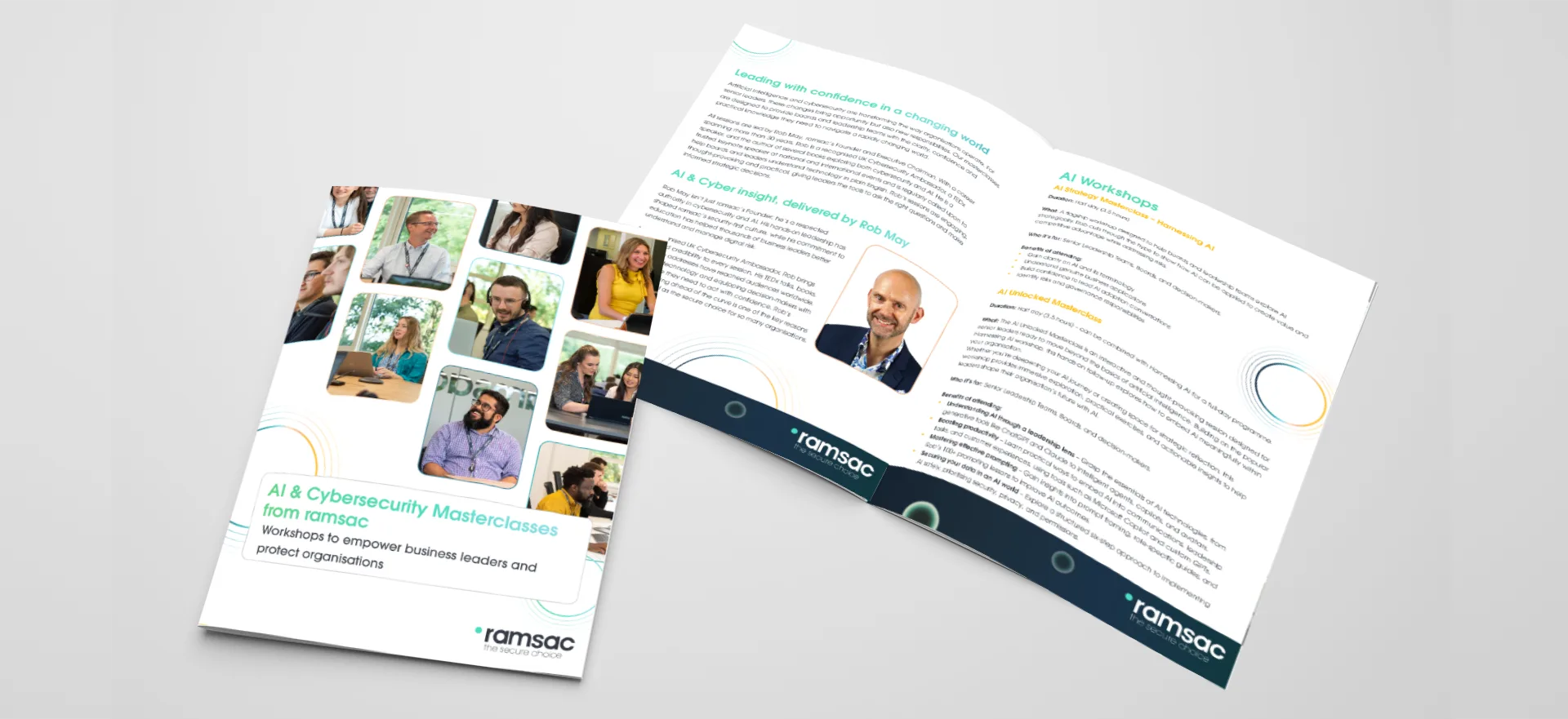
Harnessing AI: A Leadership Masterclass
This masterclass offers AI training to help business leaders to gain a comprehensive understanding of the rapidly evolving landscape of AI and machine learning.
Frequently asked questions: Copilot vs ChatGPT
Microsoft Copilot is an AI assistant built directly into Microsoft 365 applications like Outlook, Teams, Word and Excel. ChatGPT is a standalone AI platform that works across multiple tools and use cases. In simple terms, Copilot operates within your existing workflow, while ChatGPT can be used across a wider range of tasks and platforms.
Neither tool is universally better. Copilot is typically better for businesses already using Microsoft 365 who want AI embedded into daily tasks. ChatGPT is better for flexibility, creativity, research and more advanced problem-solving. Many organisations use both together.
No. While both use advanced AI technology, they are designed for different purposes. Copilot is focused on enhancing productivity within Microsoft tools, whereas ChatGPT is a general-purpose AI assistant that can be used across many different platforms and scenarios.
For some Microsoft-based tasks, Copilot can reduce the need for ChatGPT. However, it does not fully replace it. ChatGPT offers broader capabilities, especially for research, content creation, and tasks outside the Microsoft ecosystem.
ChatGPT can connect to various tools and services, but it is not natively embedded into Microsoft 365 in the same way Copilot is. Copilot provides a more seamless, built-in experience within Microsoft applications.
It depends on your setup. UK businesses already using Microsoft 365 often benefit from Copilot’s integration and productivity features. Businesses that need flexibility across multiple systems or more advanced AI use cases may find ChatGPT more suitable. A combination of both is increasingly common.
Both platforms offer enterprise-grade security options, but they differ in how data is handled. Copilot operates within the Microsoft security ecosystem, which may appeal to organisations already aligned with Microsoft compliance standards. ChatGPT also offers secure business plans, but organisations should review data usage policies carefully before adoption.
Copilot is commonly used for:
– Summarising Teams meetings
– Drafting emails in Outlook
– Creating and editing documents in Word
– Analysing data in Excel
– Automating routine admin tasks
ChatGPT is commonly used for:
– Research and idea generation
– Writing blogs, emails and marketing content
– Answering complex questions
– Creating workflows or automations
– Supporting decision-making and problem-solving
For most SMEs, the best approach is often to use both. Copilot enhances productivity within Microsoft 365, while ChatGPT provides flexibility and supports broader business needs. Choosing the right mix depends on your existing tools, processes, and goals.