



Key takeaways
- Cybersecurity Awareness Month has run every October since 2004 and focuses on the everyday habits that stop people being caught out.
- A client’s employee entered their work credentials on a page linked from an email to their personal inbox, sent from a trusted contact’s compromised account.
- Spam filtering, antivirus and endpoint protection never saw the attack, because it began outside the organisation’s own systems.
- Our secure+ monitoring picked up the attacker’s activity inside the business account, including an unauthorised device, and the account was secured quickly.
- Awareness and blame-free reporting reduce the chance of a successful attack, while 24/7 monitoring limits the damage when someone is caught out anyway.
October is Cybersecurity Awareness Month, which makes it a good moment to look at where attacks begin. Increasingly, the answer is not inside the business at all. It is in the personal inboxes, phones and accounts people use every day, often on the same devices they use for work.
A recent incident at one of our clients shows how that plays out. It also shows why the most important part of the response came after the attacker had already got in.
What Cybersecurity Awareness Month is for
Cybersecurity Awareness Month has taken place every October since 2004. It began in the US as a joint effort between government and industry. The US National Institute of Standards and Technology (NIST) is one of the federal agencies behind it, working with industry partners such as the National Cybersecurity Alliance. Organisations around the world now use the month to put security back on the agenda.
Its focus is people rather than products. In recent years the campaign has centred on four habits: using strong passwords, turning on multi-factor authentication, keeping software up to date, and recognising and reporting scams. None of them is new. They still matter because so many attacks begin with a person rather than a technical flaw. Our UK Cybersecurity Threat Report 2026 found that phishing and social engineering continue to be the most common entry points for attackers targeting UK SMEs.
How the attack unfolded
An employee received an email from someone they knew and trusted. It looked genuine because, in one sense, it was. The sender’s own email account had already been compromised, so the message came from a real address belonging to a real contact.
It did not arrive at the employee’s work address. It landed in their personal inbox.
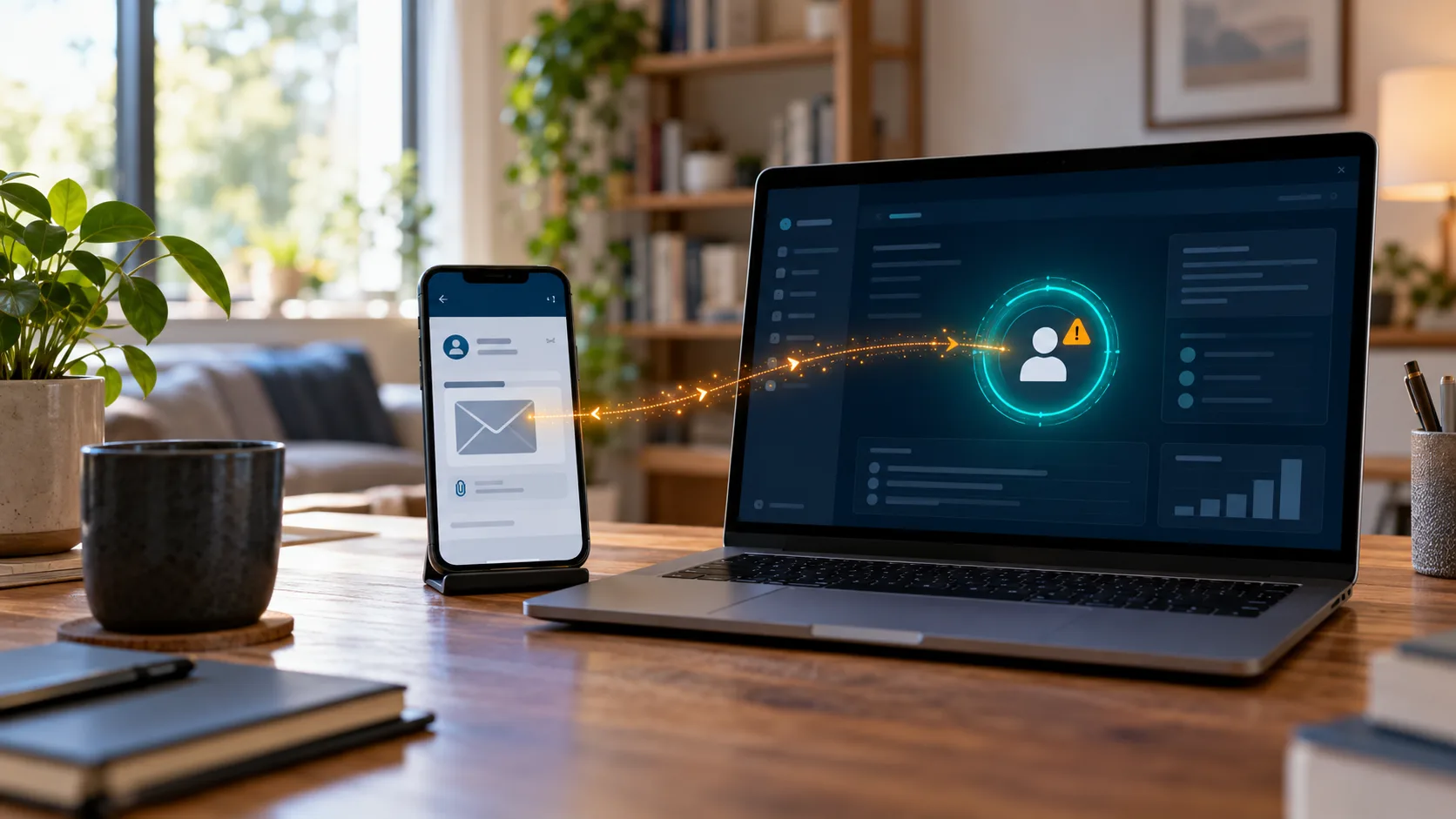
Believing the message was genuine, the employee clicked a link and entered their work credentials on the page it opened. With those details, the attacker was able to sign in to the employee’s business account. From there they registered an unauthorised device, viewed emails and attempted to use the account for further malicious activity.

Why the usual defences never saw it
It would be easy to read this as a failure of security tools. It was not. Spam filtering, antivirus and endpoint protection had no opportunity to act, because the attack began in a personal inbox that the organisation does not manage and cannot filter.
The sender also passed the test most of us apply without thinking: do I know this person? A message from a familiar name does not trigger the same caution as one from a stranger. That is exactly why attackers use compromised accounts, and why even security-conscious employees can be caught out.
What the incident shows most clearly is how blurred the line between personal and professional life has become. Many people check personal email on the same phone or laptop they use for work. A work password can be typed into any convincing sign-in page, wherever the link to it arrived. In practice, it is only as safe as the least protected place it is ever entered.
What happened after the click
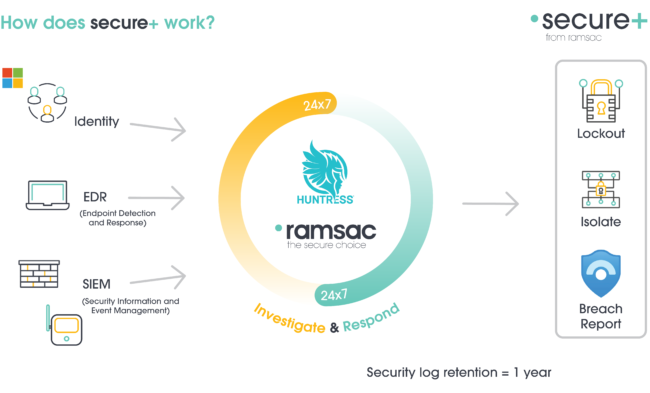
Once the attacker started using the stolen credentials, the attack crossed into the client’s own environment. That is where secure+, our 24/7 cybersecurity monitoring service, does its work.
Our Security Operations Centre watches for the account activity that tends to follow credential theft. That includes sign-ins that do not fit a user’s normal pattern, new devices appearing on an account and unusual access to a mailbox. In this case our team picked up the warning signs quickly and secured the account before greater damage could be done.
The unauthorised device deserves a moment’s attention. Registering a device is a common way for an attacker to hold on to access, because it can give them a route back in even after the password has been changed. Securing an account properly means removing that foothold, not only resetting the password.
Speed matters for another reason. Compromised business accounts are typically used to target the people who trust them, which is how this attack began. The longer an account stays in an attacker’s hands, the more clients, suppliers and colleagues receive messages that appear to come from someone they know. Catching it early helps stop one compromised account becoming the trusted contact in someone else’s attack.
It is worth being clear about what monitoring did and did not do here. It did not prevent the click. No technical control inside the business could have. Its value was in shortening the time the attacker had once they were in. Both our totalIT secure and totalIT premium services include secure+.
Strengthening the human layer
Technology catches a great deal. It cannot decide, on someone’s behalf, whether to trust a message in their personal inbox. That part of security sits with people, which is why the month exists.
A few habits make this kind of attack much harder to pull off:
✅ Treat your work password as something that only goes into your organisation’s own sign-in page, reached by typing the address or using a bookmark rather than following a link.
✅ Remember that a familiar name is not proof of who sent a message, so if an unexpected link asks you to sign in, check with the sender by phone or another channel first.
✅ Report anything suspicious straight away, even when it happened on a personal account or device, because the sooner your IT team knows, the sooner the account can be secured.
✅ Turn on multi-factor authentication for your personal email as well as your work accounts, since this attack started with someone else’s personal account being compromised.
For organisations, the most useful step is to make reporting easy and free of blame. People who worry about getting into trouble tend to stay quiet, and silence gives an attacker time. Ongoing awareness training helps too, particularly when it uses realistic scenarios from people’s personal lives as well as their working ones. Our Human Firewall 2.0 webinar looks at how these people-focused attacks are changing, from AI-generated phishing to impersonation over the phone.
If it happens in your organisation
When someone realises they have entered their work credentials somewhere they should not have, speed matters more than anything else. They should tell IT immediately, whichever device or inbox the message arrived on. The account then needs more than a new password. Active sessions should be signed out, unfamiliar devices and sign-in methods removed, and mailbox rules and sent items checked for anything the attacker set up or sent.
It is also important to establish early what the attacker could see. If emails containing personal data were accessed, UK GDPR may require you to notify the Information Commissioner’s Office (ICO) within 72 hours of becoming aware of the breach. That assessment is far easier to make from evidence in logs than from guesswork, which is another reason monitoring earns its place.
Security that reaches beyond the office door
Cybersecurity no longer ends at the office door. Attackers reach people wherever they are, through whichever account is least protected. The overlap between personal and working life gives them plenty of room.
This incident shows the two layers that matter most when that happens. The first is people who know to pause before they sign in, and who feel confident reporting it when something goes wrong. The second is monitoring that notices when an attack gets through anyway, so a single click stays a contained incident rather than a wider breach.
If you would like to know how quickly a compromised account would be spotted in your organisation today, talk to us about secure+. It is a useful conversation to have this October.
Understand your cybersecurity posture
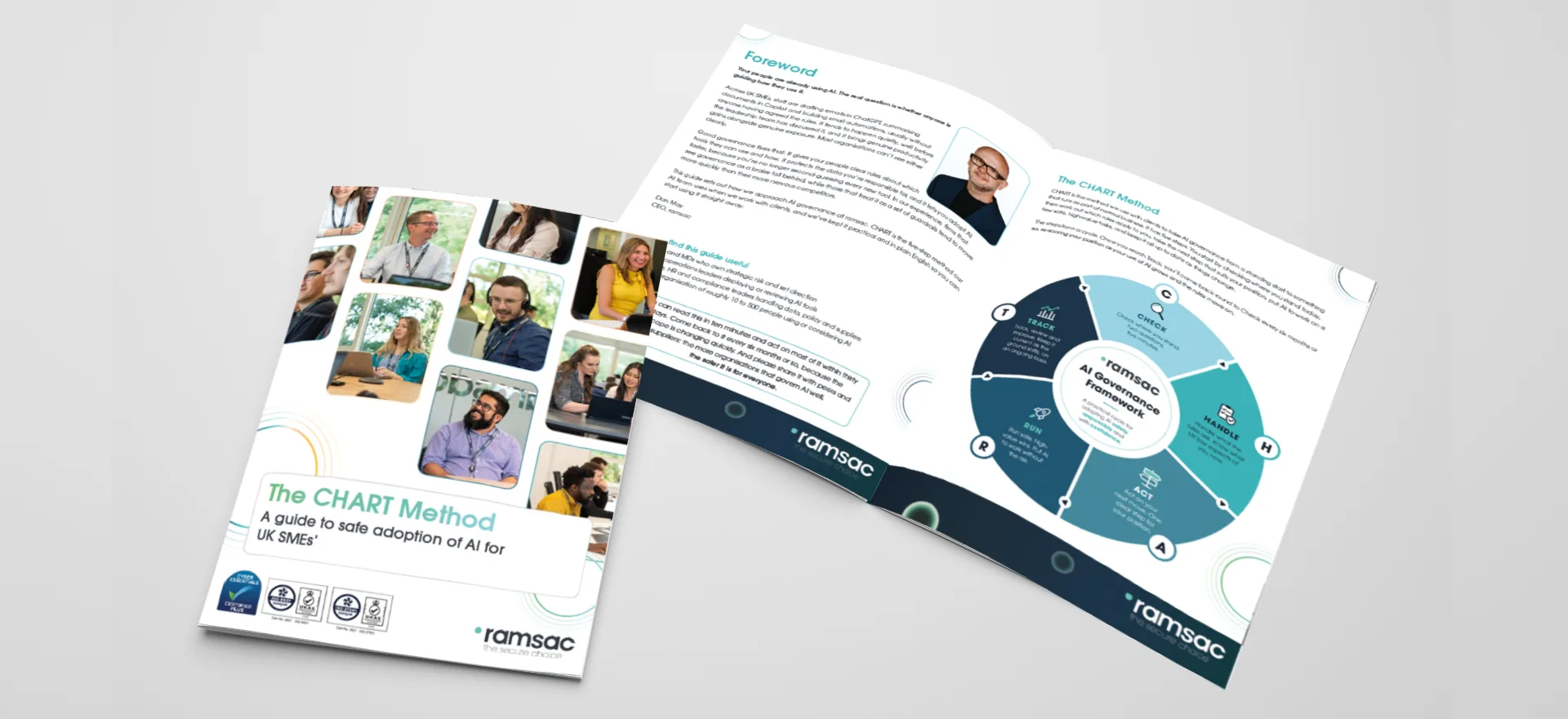
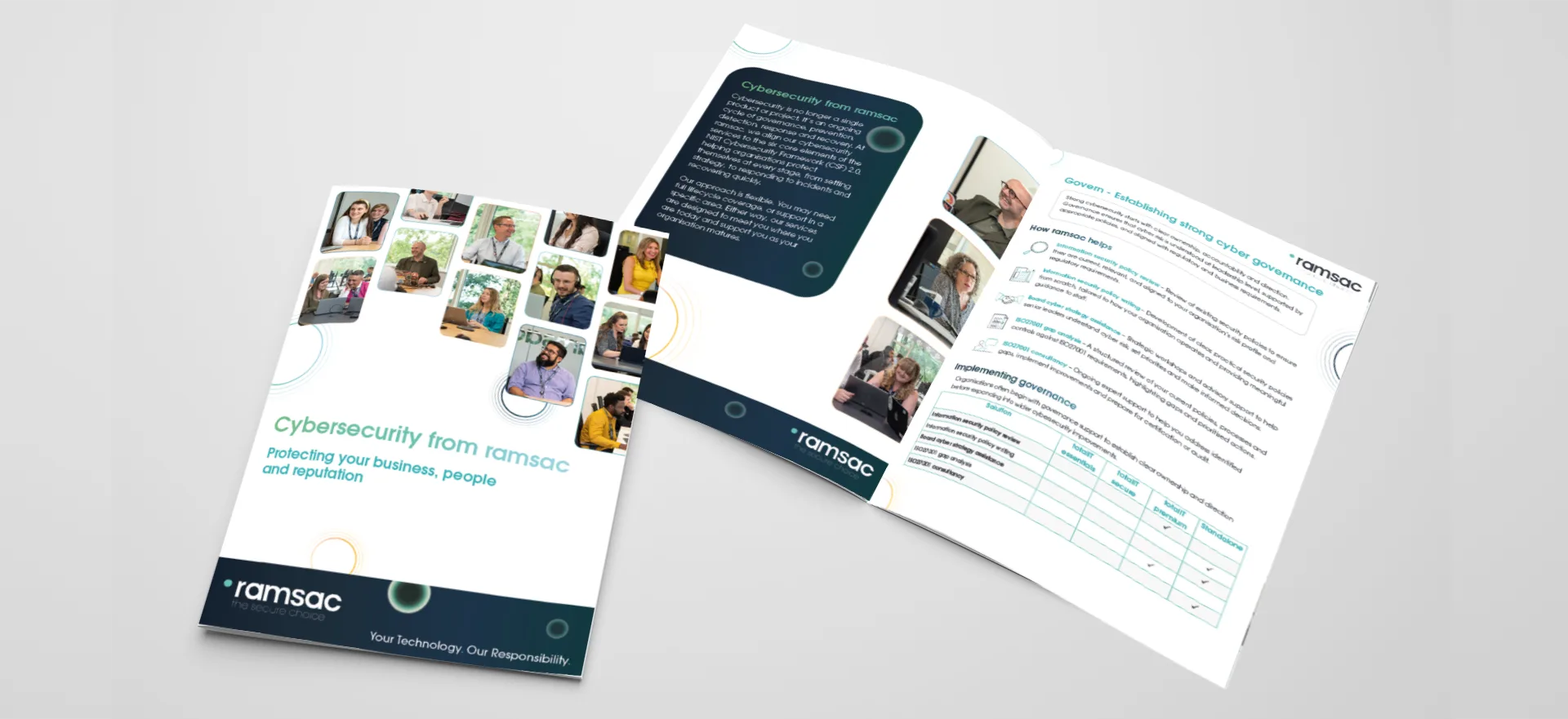
Download our cybersecurity brochure to see how ramsac supports your organisation across the six core elements of cyber resilience: Govern, Identify, Protect, Detect, Respond and Recover. Discover how our services work together to reduce risk, strengthen security and help your business stay resilient.
FAQ’s Cybersecurity Monitoring
It takes place every October and has run since 2004. It began in the US as a partnership between government and industry and is now marked by organisations around the world. Its aim is to help people build everyday habits that make attacks harder, such as using multi-factor authentication and recognising scams.
Credential theft is when an attacker obtains someone’s login details, usually by tricking them into entering a username and password on a fake sign-in page. With those details the attacker can sign in as that person and reach whatever they have access to.
Yes. If an employee enters their work credentials on a page linked from a personal email, the attacker can gain access to their business account. The message never passes through your organisation’s email security, so those controls have no chance to stop it.
Tell your IT team or IT provider straight away, whichever device or inbox the message arrived on. The account will need a password reset and a check for any devices, sessions or mailbox changes the attacker may have added.
It is ramsac’s fully managed 24/7 cybersecurity monitoring service, run by our own Security Operations Centre. It watches accounts and devices for signs of compromise, such as credential theft and malicious mailbox rules, and acts quickly to contain a threat. It is included in totalIT secure and totalIT premium.