






For more than 30 years, Microsoft Publisher has quietly been one of those “secret weapons” in the productivity toolbelt. It has given small businesses, community groups and internal teams an easy way to create newsletters, flyers, brochures and business cards without needing specialist design skills. That era is now coming to an end.
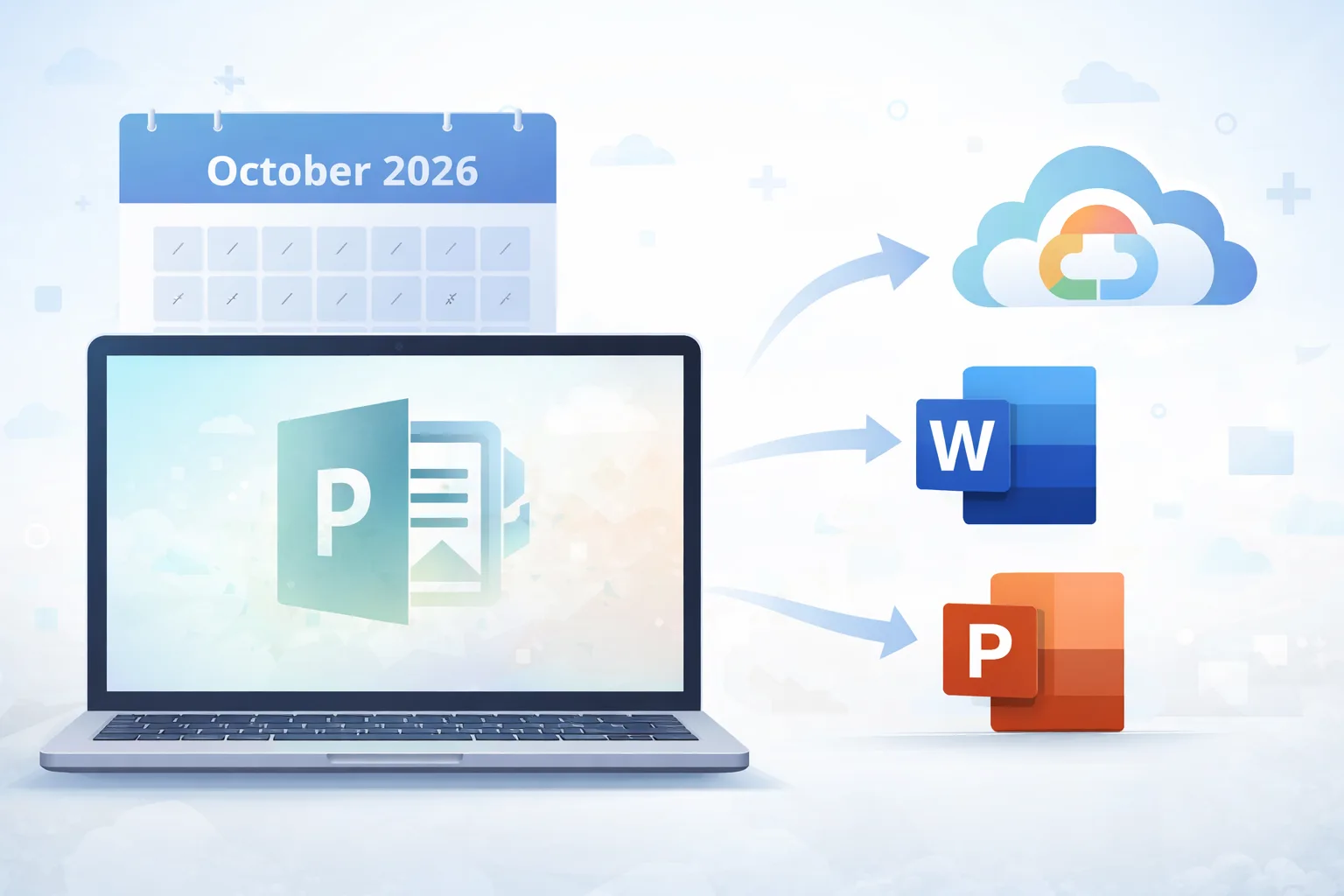
Microsoft has confirmed that Publisher will no longer be supported after October 2026 and will be removed from Microsoft 365 subscriptions at that point. If your organisation still relies on Publisher, now is the right time to understand what’s changing and how to prepare.
Why is Microsoft retiring Publisher?
Publisher has been part of the Microsoft Office family since the early 1990s. Over time, many of its most popular features have been absorbed into other Microsoft 365 applications. Word and PowerPoint, for example, now offer far more advanced layout, image handling and template options than they once did.
At the same time, Microsoft’s focus has shifted towards cloud-based, collaborative tools that integrate tightly with Microsoft 365. Rather than maintaining a standalone desktop publishing application, Microsoft is encouraging customers to use a combination of Word, PowerPoint and newer tools such as Microsoft Designer to achieve similar outcomes.

What happens after October 2026?
The key dates and implications are worth being clear on:
- Until October 2026, Publisher will continue to work as it does today for existing users.
- From October 2026 onwards, Publisher will no longer be included in Microsoft 365, and Microsoft will stop providing support.
- Standalone versions of Publisher may still run, but they will not receive security updates or official support.
In practical terms, this means organisations using Publisher need a transition plan. Leaving it too late could result in files that are difficult to open, edit or reuse.
What should you do with existing Publisher files?
Publisher uses the .pub file format, which is unlikely to be supported widely once the product is retired. Before October 2026, it’s worth taking a structured approach to protecting your content.
- Identify where your Publisher files are stored. This could include shared network drives, OneDrive, SharePoint or individual PCs. Once you know what exists, prioritise files that are still actively used or contain valuable content.
- Convert Publisher files while the software is still supported. Open each file in Publisher and save a copy in a more future-proof format. PDFs are ideal for archiving or sharing finished documents, while Word files can work well where content needs to remain editable, although some layouts may need tidying up after conversion. For more complex designs, copying content manually into Word or PowerPoint can sometimes produce better results.
- Decide what needs to stay editable and what can be archived. Not every file needs to remain changeable. Reviewing this now allows you to safely archive older materials as PDFs and focus effort on the documents that matter most.
Taking these steps now can significantly reduce risk and avoid last‑minute pressure as the retirement date approaches.
Alternatives to Microsoft Publisher
There is no direct replacement for Publisher, but there are plenty of good alternatives depending on how you use it.
Microsoft 365 Options
- Word – Well suited to flyers, simple brochures, labels and printable documents, especially where text structure matters.
- PowerPoint – Excellent for posters, visual layouts and image-heavy designs. Often overlooked as a design tool. Also includes design ideas and powerful content-creation and AI features when combined with Copilot.
- Microsoft Designer – A consumer-focused app, available in Family and Personal subscriptions only.
Third Party Design Tools
- Canva – A very accessible, browser-based platform popular with small businesses for marketing materials and quick designs.
- Affinity Publisher – A professional desktop publishing application with a one‑off licence, suitable for more complex layouts.
- Adobe InDesign – The industry standard for professional publishing, best suited to organisations with advanced design needs.
- Adobe Express – A simpler, cloud-based design tool aimed at quick marketing content, social graphics and lightweight layouts, well suited to teams that want speed and ease of use without full design complexity.
Each option has different strengths. The right choice depends on your team’s confidence, the complexity of your designs and how often you collaborate.

How to choose the right replacement
When deciding what to move to, it helps to think about how your team actually works day to day. Familiarity is a big factor, as tools your staff already know will naturally reduce training time and resistance to change. Design complexity also matters, because creating a simple flyer or poster requires a very different toolset to producing a multipage brochure or polished marketing document. Collaboration should not be overlooked either, as cloud-based tools make it far easier to share files, coedit content and keep everyone working from the latest version.
For many organisations, the most practical approach will be to use a combination of tools rather than trying to force everything into a single replacement.
Microsoft Publisher’s retirement may feel disruptive, but it also presents an opportunity to modernise how your organisation creates and manages visual content. With time to plan, convert files and select the right tools, the transition can be smooth and low risk.
The key is to act early, rather than waiting until support ends and scrambling for alternatives.
How ramsac can help
If your organisation still relies on Microsoft Publisher, support is available. ramsac works with organisations every day to help them get the most from Microsoft 365 and their wider IT environment, from understanding upcoming changes to making sure tools are being used effectively and securely.
If you’d like general guidance or have questions about Microsoft 365, application changes or IT planning, our team is happy to help.

How can we help you?
We’d love to talk to you about your specific IT needs, and we’d be happy to offer a no obligation assessment of your current IT set up. Whether you are at a point of organisational change, unsure about security, or just want to sanity check your current IT arrangements, we’re here to help.
Microsoft Publisher Retirement FAQs
Microsoft Publisher will be retired in October 2026. After this date, it will be removed from Microsoft 365 subscriptions and will no longer receive support or updates.
When Publisher reaches end of life in October 2026, Microsoft will stop providing security updates, bug fixes and technical support. Publisher will also be removed from Microsoft 365 plans.
Publisher may continue to run on existing devices if installed as a standalone application, but using it after end of life is not recommended due to the lack of security updates and official support.
Publisher files use the .pub format, which is unlikely to be supported by other software once Publisher is retired. Without Publisher installed, opening or editing these files may not be possible.
Businesses should review and convert Publisher files before October 2026. Important documents should be:
– Saved as PDFs for long-term access
– Recreated or converted into Word or PowerPoint where ongoing editing is required
There is no direct replacement for Publisher, but common alternatives include:
Microsoft Word for text-heavy documents and simple layouts
Microsoft PowerPoint for visual designs, posters and layouts
Canva for quick, browser-based marketing materials
Affinity Publisher or Adobe InDesign for professional publishing needs
The right alternative depends on design complexity and how often teams collaborate.
Microsoft 365 does not include a direct replacement for Publisher. Instead, Microsoft recommends using a combination of Word, PowerPoint and cloud-based design tools.
Organisations should begin planning now. Preparing early allows time to convert files, select suitable alternatives and avoid disruption as the retirement date approaches.
ramsac helps organisations prepare for Publisher’s retirement by reviewing current usage, advising on replacement tools, supporting file conversion and ensuring Microsoft 365 is used securely and effectively.