


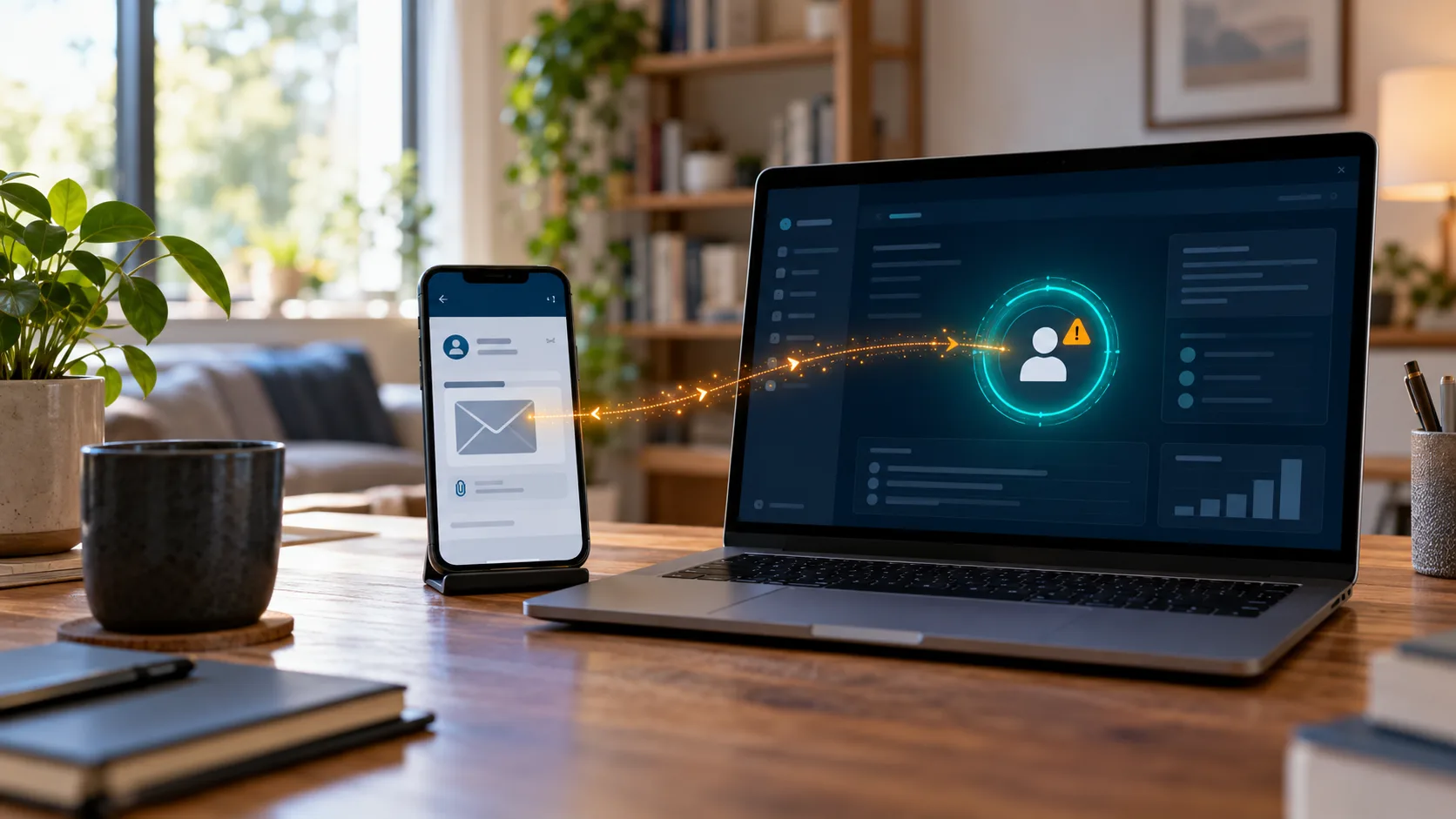

Mobile Device Management (MDM) is a type of security software used by organisations to monitor, manage and secure employees’ mobile devices. It is a way of ensuring that employees can work securely on their mobile devices while keeping the company’s data safe. MDM works by providing a centralised platform for managing all mobile devices in an organisation’s network. This platform allows administrators to remotely manage devices, enforce security policies, and distribute applications and updates.
Cybersecurity risks of poor Mobile Device Management
Unmanaged mobile devices can pose a variety of cybersecurity risks. Whereas PCs and laptops typically have pre-installed malware protection in them, tablets and mobile phones are more vulnerable to cyber-attacks.
Some specific risks include:
- Data leakage: Unsecured mobile devices can lead to data leakage if sensitive information is accessed by unauthorised users.
- Malware attacks: Mobile devices are vulnerable to malware attacks that can compromise sensitive data.
- Phishing attacks: Mobile devices are also vulnerable to phishing attacks that can trick users into revealing sensitive information.
- Device loss or theft: Lost or stolen mobile devices can lead to data breaches if they contain sensitive information.
MDM provides security features such as remote wipe, encryption, and passcode enforcement to protect sensitive data on mobile devices.
Building a Mobile Device Management strategy
A good MDM strategy is essential for organisations as it helps them to manage their mobile devices effectively and efficiently. It also helps them to ensure that their employees are using their mobile devices securely and responsibly. A good MDM strategy should include the following steps:
- Establish organisational requirements and goals: This step involves identifying the specific needs of your organisation and what you want to achieve with your MDM strategy. For example, you may want to ensure that your employees can access company data securely on their mobile devices or that you can remotely wipe data from lost or stolen devices.
- Deploy a user-centric, cloud-based platform: A user-centric platform is one that is designed with the end-user in mind. It should be easy to use and provide a seamless experience for employees. A cloud-based platform allows for easy scalability and flexibility, making it easier to manage mobile devices across multiple locations.
- Consider endpoint management to maximise business processes: Endpoint management refers to the process of managing all endpoints (devices) in an organisation’s network. By managing all endpoints centrally, organisations can ensure that all devices are up-to-date with the latest security patches and software updates. This helps to minimise the risk of security breaches and ensures that employees can work efficiently.
Difference between MAM and MDM
Mobile Device Management (MDM) and Mobile Application Management (MAM) are both used to manage enterprise assets on mobile devices, but they have different focuses. MDM is device-centric and controls, monitors, and secures the whole device, including the applications. MAM is application-centric and controls specific corporate applications and their data, often in BYOD environments.
Getting started with Mobile Device Management.
To get started with MDM, devices are enrolled in the chosen MDM system which has been configured with the necessary settings and policies to ensure security and compliance. Administrators can then remotely manage devices, monitor compliance with organisational policies, and distribute applications and updates.
For more information on Mobile Device management and how to implement it in your organisation get in touch.