



The need
There was a requirement to capture information from visitors to our stand at an event, have that data available quickly to our Managing Director who was speaking, display it on a screen on the stand, and then make it available for our Business Development team to follow-up after the event.
We considered having something created for us, but it would have been expensive and involved long lead times.
We also looked at several off-the-shelf cloud-based services designed to survey event attendees, but they were either intended for live audience participation, or for surveying with analysis after the event, so none were really suitable.
The solution
So, we decided to build our own solution using pulling together elements of the Microsoft 365 platform – Forms, Flow, SharePoint and PowerBI.
Microsoft 365 – Forms
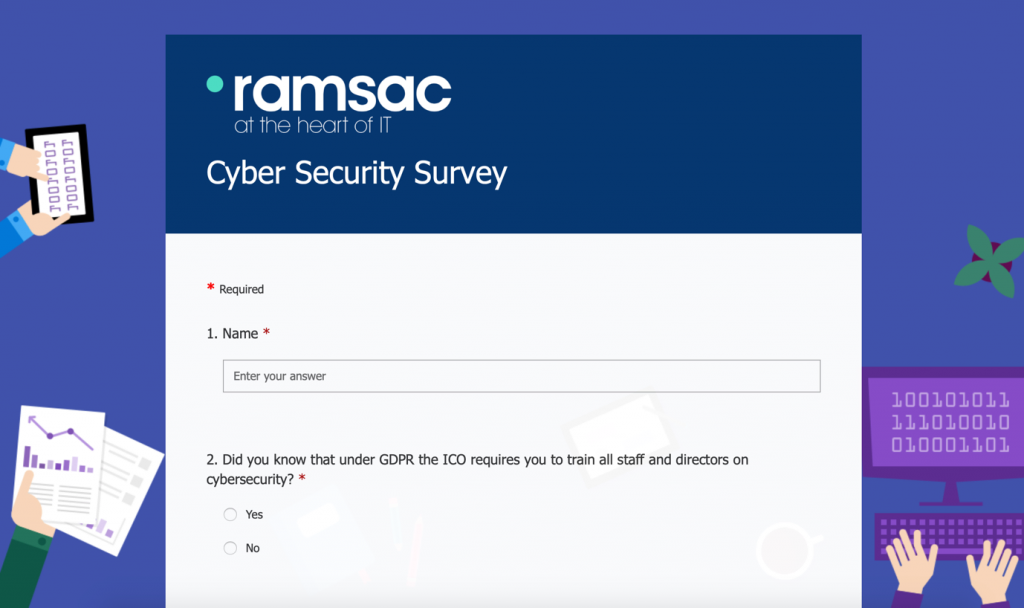
Microsoft Forms was used to quickly create a form to capture answers to questions, which was run on a Windows 10 tablet. As the survey form was browser based, no data was stored on the tablet.
We also asked for GDPR contact consent and depending on their answer, then prompted for an e-mail address. With the correct permissions survey results are summarised live within Forms, so our Managing Director could refer to live information in his talk.
Microsoft 365 – Flow
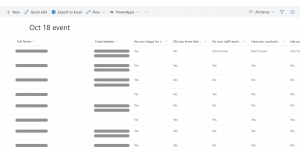
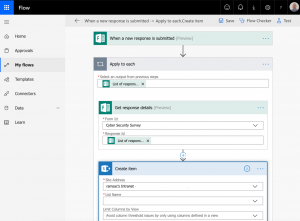
Microsoft Flow was used to automatically push the responses into a SharePoint Online list. Flow can be used to easily automate many processes within Microsoft 365. For example, we use it within ramsac for automating onboarding a new client, it creates standard files and folders within SharePoint Online, and sends various e-mails to the appropriate teams.
Microsoft 365 – PowerBI
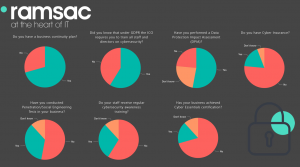
Microsoft PowerBI was then used to display the survey results on a large screen. Creating attractive reports is quick and straightforward in PowerBI, and as it’s cloud based it just requires a browser, no back-end servers or locally installed reporting software.
Microsoft 365 – SharePoint
Finally, after the event the information in the SharePoint Online list could easily be imported into our CRM system. Nothing was stored on the tablet used for the survey, or the laptop used to display the data. It was easy to just delete the contact information in Forms and SharePoint Online for GDPR compliance, and there was no risk of data being compromised if any of the hardware were lost or stolen at the event.